Written By Bart Weiss
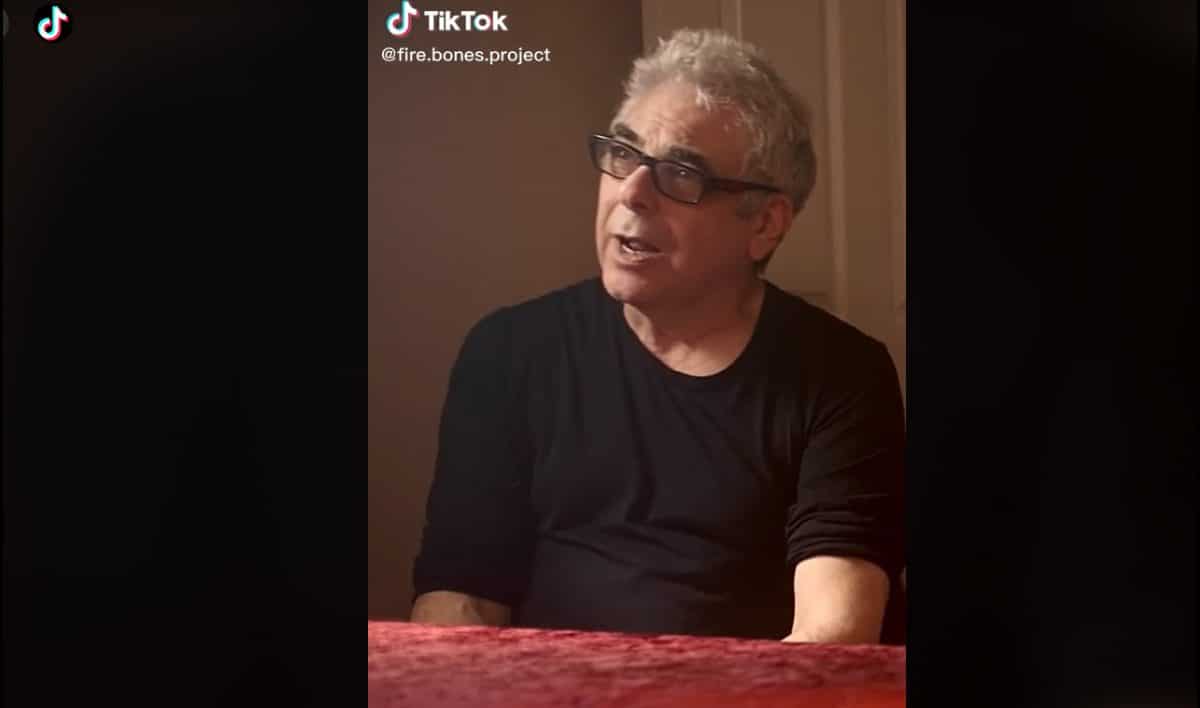
For my new project “Fire Bones”, we wanted to put some snippets of the film on TikTok to promote the series. This was a bit new for me, so I thought I would give it a try.
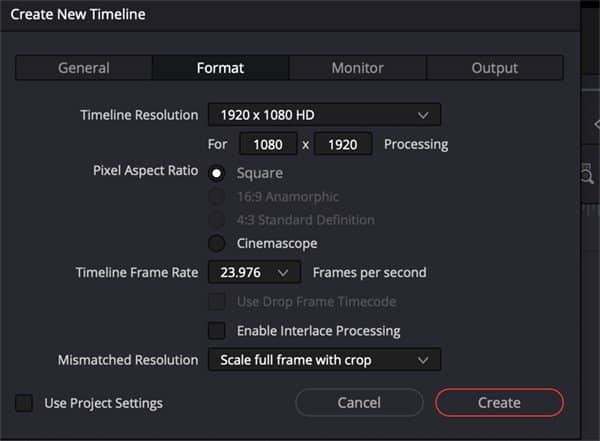
The first step is to create a New Timeline (See Image 1), but when you do that, do not leave checked the selection labelled, “Use Project Settings” (See Image 2). Click on the Format Tab (See Image 3), and type in the ratio tor TikTok: 1080×1920. (See Image 4).
Also select: “Scale Full Frame with Crop”.
Image 1.
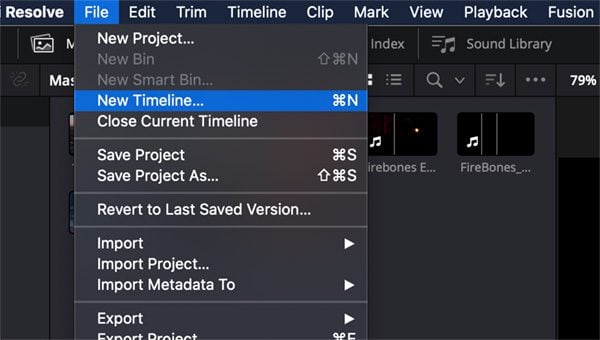
Image 2.
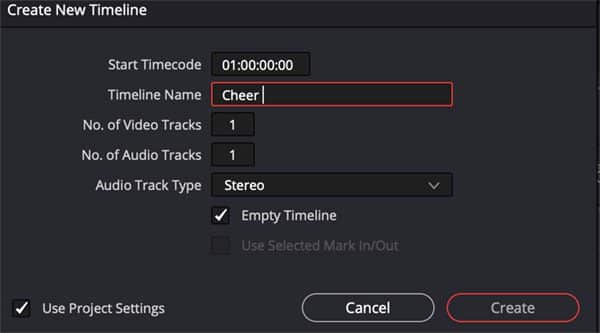
Image 3.
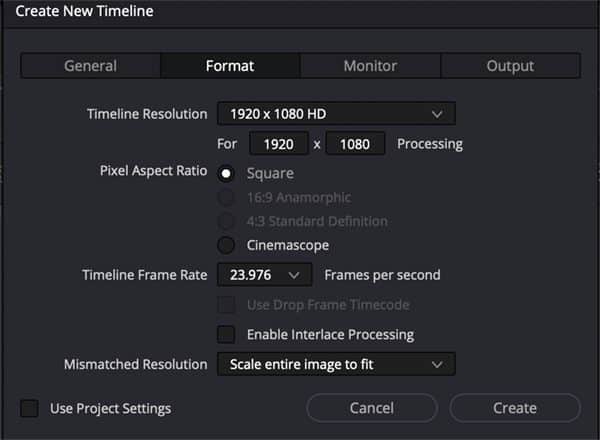
Image 4.
That will give you a timeline with the vertical view (See Image 5). When you bring in your footage, you might see that the framing that was great for 1920×1080 – is not great for 1080×1920. (See Image 6)
Image 5.
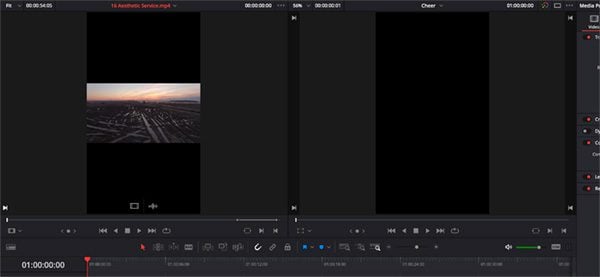
Image 6.
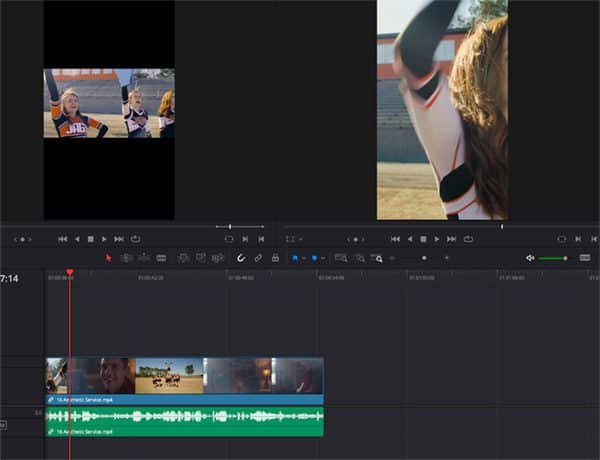
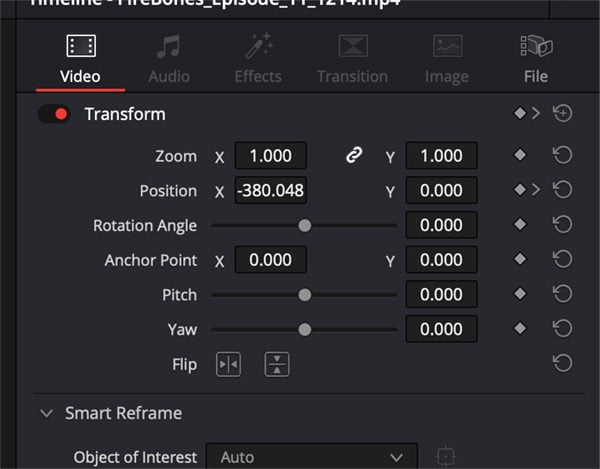
You can simply adjust the X Position to reframe your subject. (See Image 7) This is great if your subject doesn’t move very much. If you have the studio version of DaVinci Resolve, it can reframe it for you.
Image 7.
For this shot (See Image 8), if you click on the Auto Reframe tool (See Image 9), and just hit Reframe, it will do the best it can to reframe your subject. If it needs help you can hit the reference point (See Image 10) which will give you a box (See Image 11) to put over your subject.
Image 8.
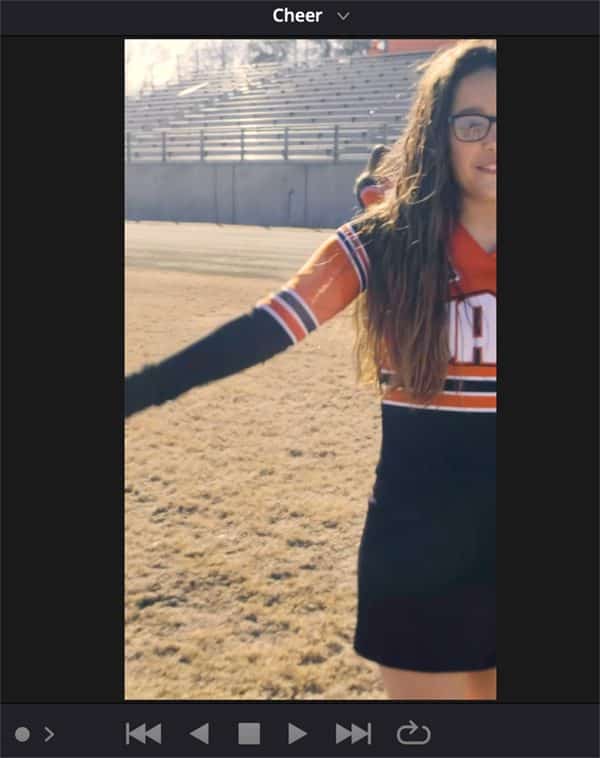
Image 9.
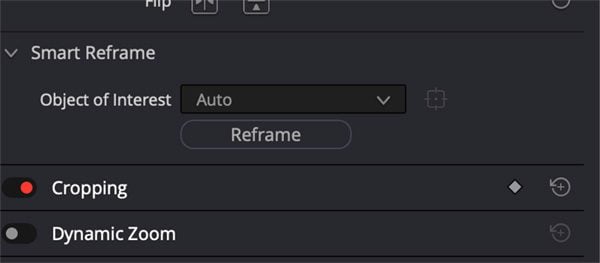
Image 10.
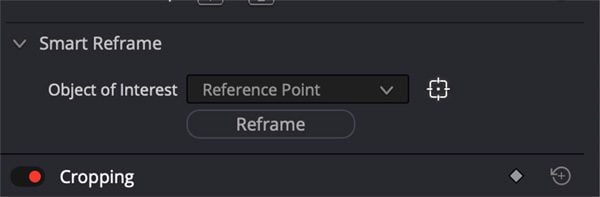
Image 11.
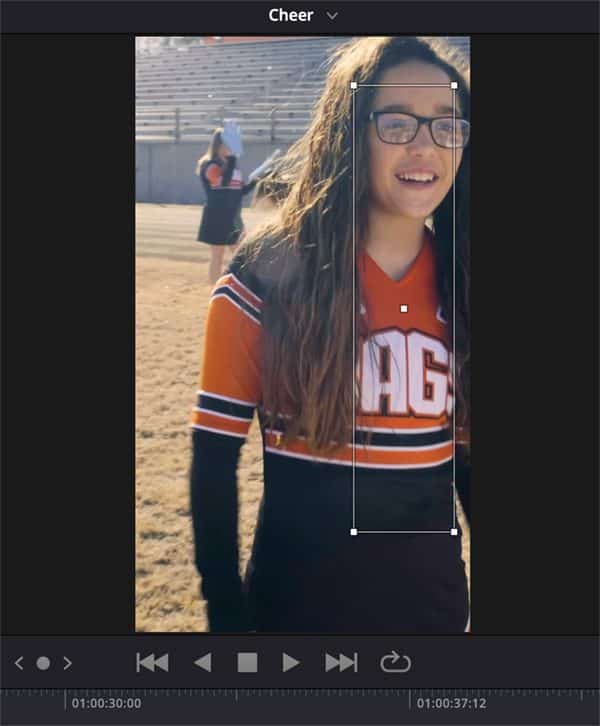
Image 12.
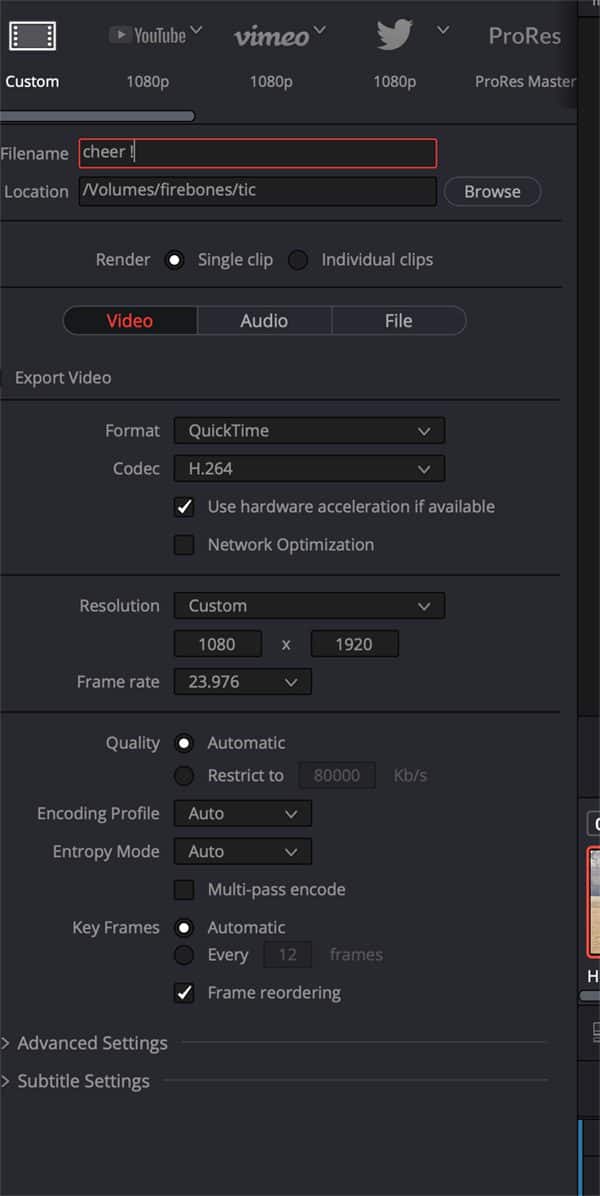
Image 13.
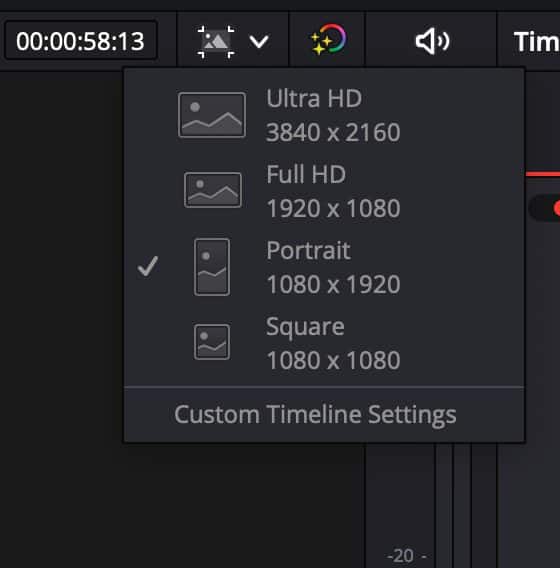
You can now export making sure your settings are at 1080×1920, and you are set. I should also mention that in the Cut Page, you can set your timeline to 1080×1920 by clicking Portrait on the Timeline Settings. (See Image 13) 
Visit https://www.tiktok.com/@fire.bones.project

 Bart Weiss is an award-winning filmmaker, educator and director/founder of the Dallas VideoFest and produces “Frame of Mind” on KERA TV. He was President of AIVF and was a video columnist for The Dallas Morning News, and United Features Syndicate. Bart received an MFA in Film Directing from Columbia University. www.videofest.org
Got Filmmaking, Video Making, or Post Production Questions? Post Them in the Filmmakers Forums Community. Let’s Discuss Your Topics >>