By Bryant Falk
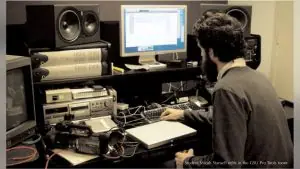
Audio mixing, a process that used to be the sole job of the audio mixer is seeing a change. As editing systems get more sophisticated, the task of fixing and mixing audio has been given to the editor at least in some part. And as these editing systems have grown more prevalent, I’ve been asked to clean up a mix that resides on a Final Cut system or even an Avid. Although I do prefer outputting an OMF and working in Pro-Tools, when time is short and resources are limited, I will jump in and work with what I have. Here are a few basic pointers for editors who’d like to improve their own mixes.
Audio Quality
Audio Quality
The most important thing when mixing is trying to use the best audio quality you can for the clips you are working with. Since video is the priority when editing, audio is usually brought in at a low resolution. If this is what you have to work with, problems can arise as you add effects, EQ, compression, and more. The low res files don’t hold up well. It’s like trying to print a 20×30 image using a low res 4×6 jpeg.
Frequency Mapping
Frequency Mapping
We can hear audio from 20Hz to 20Khz. What goes on and how much are a key factors in creating a good mix. For example, a jackhammer uses up a lot of our frequency range. Trying to overlay a conversation over this sound effect can be a problem. See how many other sounds also sit in the same range as your dialogue. Create a “Map” of the frequencies being used, and see where things can be opened up. Just lowering an effect may rob it of its intended effect. That is when we head down to EQ Carving.
Free for members
Sign up free to keep reading
It’s free and takes less than 30 seconds. You’ll also get our Interstellar issue free, and a community of filmmakers sharing their work.
No credit card. Continue with Google or your email.