By David Kaminski, with Eric Perez
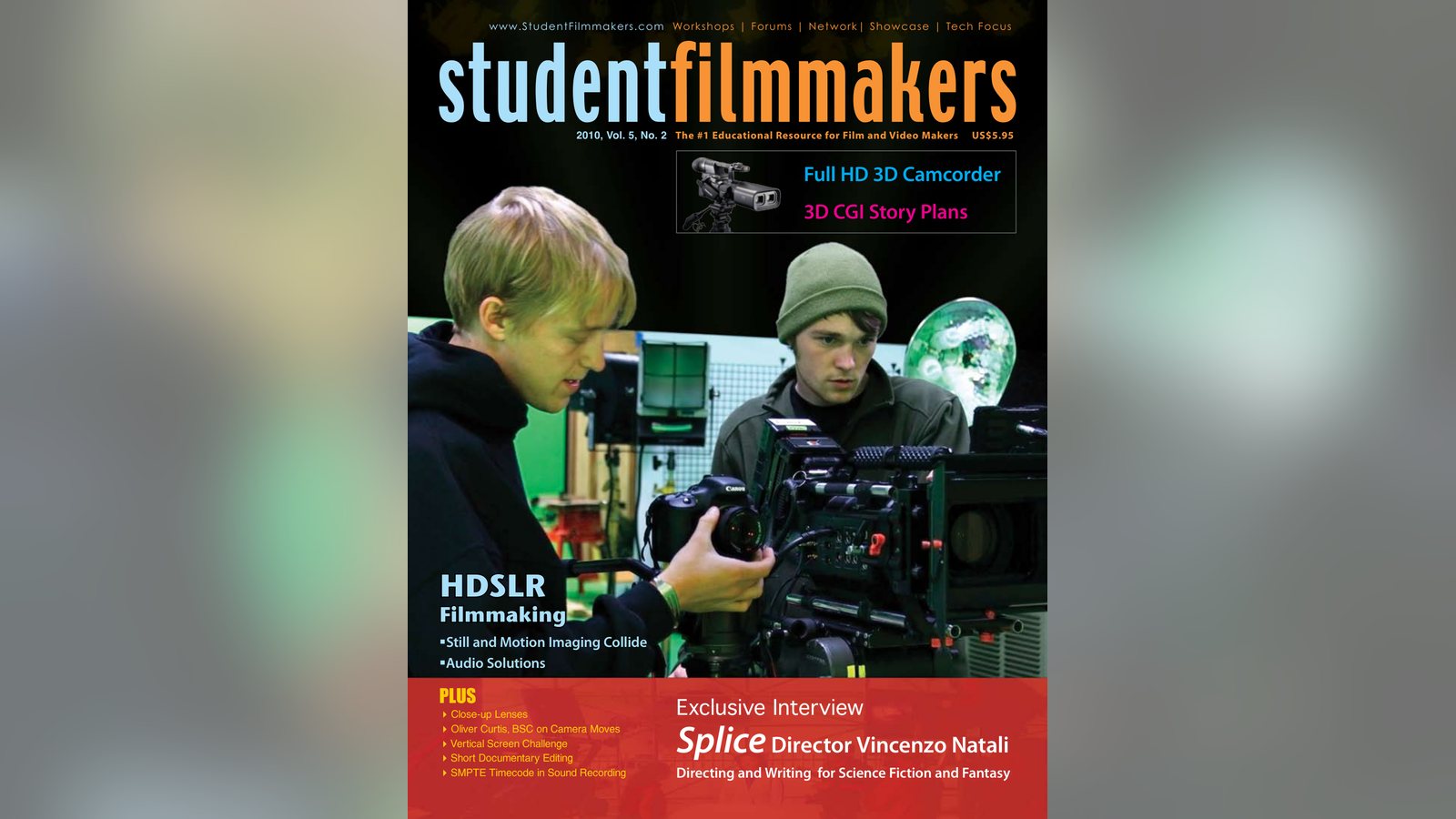
There are reasons to love DSLR cameras, but audio isn’t one. David Kaminski and Eric Perez explain the audio challenges of HDSLRs and how to solve them.
There are reasons to fall in love with the HDSLR cameras, but audio is not one of them. It shouldn’t stop you from using one, but knowing a few things about what you are getting into first will make for a better long-term relationship with this gear.
Double System
The Challenges
Let’s start with the premise that you might use the camera’s audio as a reference only. It’s a time-tested solution to record the audio independently and to synch it later. Most professional sound people would recommend this option and would tell you that it is the best solution.
In general terms, depending on the make, model, and age of your camera, you might find that the audio of your camera may or may not be using SMPTE timecode. (At the time of writing this article, none of the HDSLR cameras have it.) If you are trying to synch two dissimilar sets of audio – one SMPTE standard and one not, your efforts to synch up your audio later could be very difficult. At that point, it may become a truly professional task, one suited only to the most patient or the most skilled – likely a pro audio person.
The ideal solution for people who will want this as an option – to record audio independently – is to make sure that the camera records in a SMPTE standard like your pro audio gear. (If it doesn’t, and likely that is the case, look for software solutions, or look at how to use the camera’s audio with external gear.)
Getting Complicated
Some people using a double system are looking to be highly mobile, since the camera affords that option. Small recording units are excellent choices for their size and fidelity (there are about a half dozen on the market). One drawback may be that they do not use SMPTE timecode, or cannot accept a timecode input. Scrutinize this option and consider whether it is right for you.
Software Solutions
If you opt against using a SMPTE timecode for your own purposes or it is not an option – manufacturers’ limitations, cost, versatility of movement, ease of use – then, you may want to look into software solutions to be able to synch your camera’s sound and your recorder’s sound. One viable software solution to synch sound is PluralEyes by Singular Software, which offers plug-ins for a number of editing programs.
Another software, Magic Lantern, is an open platform that allows for “on-screen audio meters,” “manual gain control with no AGC,” and a number of other helpful features for video. Updates also continue to be released.
Utilizing the HDSLR’s Audio
There are a lot of reasons to want to record the best possible audio along with your original footage. The merits of that are obvious. Unless you have tried to do it with your HDSLR camera.
A Little History
Early models of the cameras had audio…as an afterthought. They are photo cameras. Or were, at least. You might hear a company rep telling you that they never thought the camera would be used by filmmakers. Maybe a few, but not in the numbers that are now flocking to it as a solution. Therefore, it is common to have older models of cameras with 44.1kHz (industry standard for CDs) instead of 48kHz which is standard for video.
Since it is often debated about what the real difference for filmmakers is between 44.1kHz and 48kHz, it is worth talking to a person who does the post-production work on films.
As a person whose experience spans over 30 years in the entertainment industry with roles ranging from composer to supervising sound editor, Joe Carroll, founder and president of Manhattan Producers Alliance says, “No one can hear the difference between the same audio recorded at these two sample rates no matter what they claim. Pros can, however, hear the difference between 44.1kHz CONVERTED to 48kHz in post, [as opposed to audio originally recorded at 48kHz]. This is the reason it is preferable to start in 48kHz if you are going to end up at 48kHz.”
The Obstacles
Mini, Sub Mini, and ACG
Filmmakers are now approaching the audio of the HDSRLs with some of the right tools, but it is still a bit complicated since the cameras use a stereo mini or stereo sub-mini connector for their audio input. Trying to get your pro audio equipment to interface with it is a challenge. And then there is the automatic gain control. AGC. Three letters you don’t want to hear if you are making a film.
If you are using phantom power mics, XLR connectors, and other pro gear, you will need either an adapter like the Beachtek DXA-5D which has meters, supplies phantom power, and fits snugly under the HDSLRs. Or you can use a juicedLink adapter, which is rated as having very good preamps and is perhaps the best choice. An additional component to add to the juicedLink is the DN101. It is an extra box that allows you to disable the camera’s AGC. Another bonus is that it has meters and a headphone jack. Together, the units can be a bit awkward on the rig, but the sound quality and overall solution is a very good one.
Mixers and “Load”
Filmmakers can also use a two-channel mixer along with their HDSLRs. The trick of the trade is to use a custom cable to take your output from the mixer’s XLRs (left and right) and go into the stereo mini or stereo sub-mini. It requires using a “load,” or electrical current, to trigger the AGC of the camera to turn off.
Making this solution work well and reliably securing everything requires some professional skill and drilling into the chassis of the units.
Further Advice
There are numerous user sites, user groups, and sub-groups devoted to the HDSLR cameras. Every month is a new surprise from manufacturers and from third-parties who are working to create fixes. Finding advice there and staying current will help you as you make your decisions and start your film. David Kaminski is an educator, writer, producer, and consultant. His students’ videos have won more than 60 awards (among them twelve Telly Awards and two CINE Golden Eagle Awards) and have screened more than 200 times nationally and internationally.
Eric Perez is the Sales Manager at Professional Sound Services in NYC. In addition to all of his other work, he has put together and helped design audio set-ups for about 15-20 HDSLR rigs.
Keep learning filmmaking
Want more lessons like this? Join StudentFilmmakers free for live webinars with working pros, and stream on-demand filmmaking classes in cinematography, directing, screenwriting, sound and post.