By Bart Weiss
Between the titles and themes buttons sits the generator button in Final Cut Pro X. Bart Weiss shows what generators do and why you should use them.
Over there between the titles button and before the themes is the generator button. Chances are you have never gone there, but after today you will check it out.
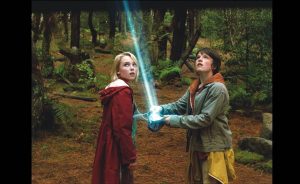
One of the big surprises there is, is the placeholder generator. Which is a place to place an image while waiting for the reshoot or archival material to come in. Once you drop it in the timeline, you can go in the inspector and make some changes. You can change it from a wide pastoral shot with 2 people (men and women) on a sunny day, to a medium 3 shot with all men downtown and, yes, with the sun still shining.
You can also drop in some notes by clicking the view notes button. One could easily imagine using this to make storyboards or make a whole film with just this generator.
There are some other really great ones for using behind titles or graphics. I particularly like the metal and grunge. In each, when you select the type in the inspector, you can get a wide variety of looks and colors. You can change the tint and color and, of course, you can keyframe these so you can change the amount of time or color of the shot. The other way to add a bit of motion to these backgrounds would be to just add the Ken Burns effect, found in the crop button. Some other generators that I use are the lines, lens flare and the truly wonderful clouds. Again, all these are controllable, either through the generator tab in the inspector or as in the clouds you can change the color in the color tab in the video tab.
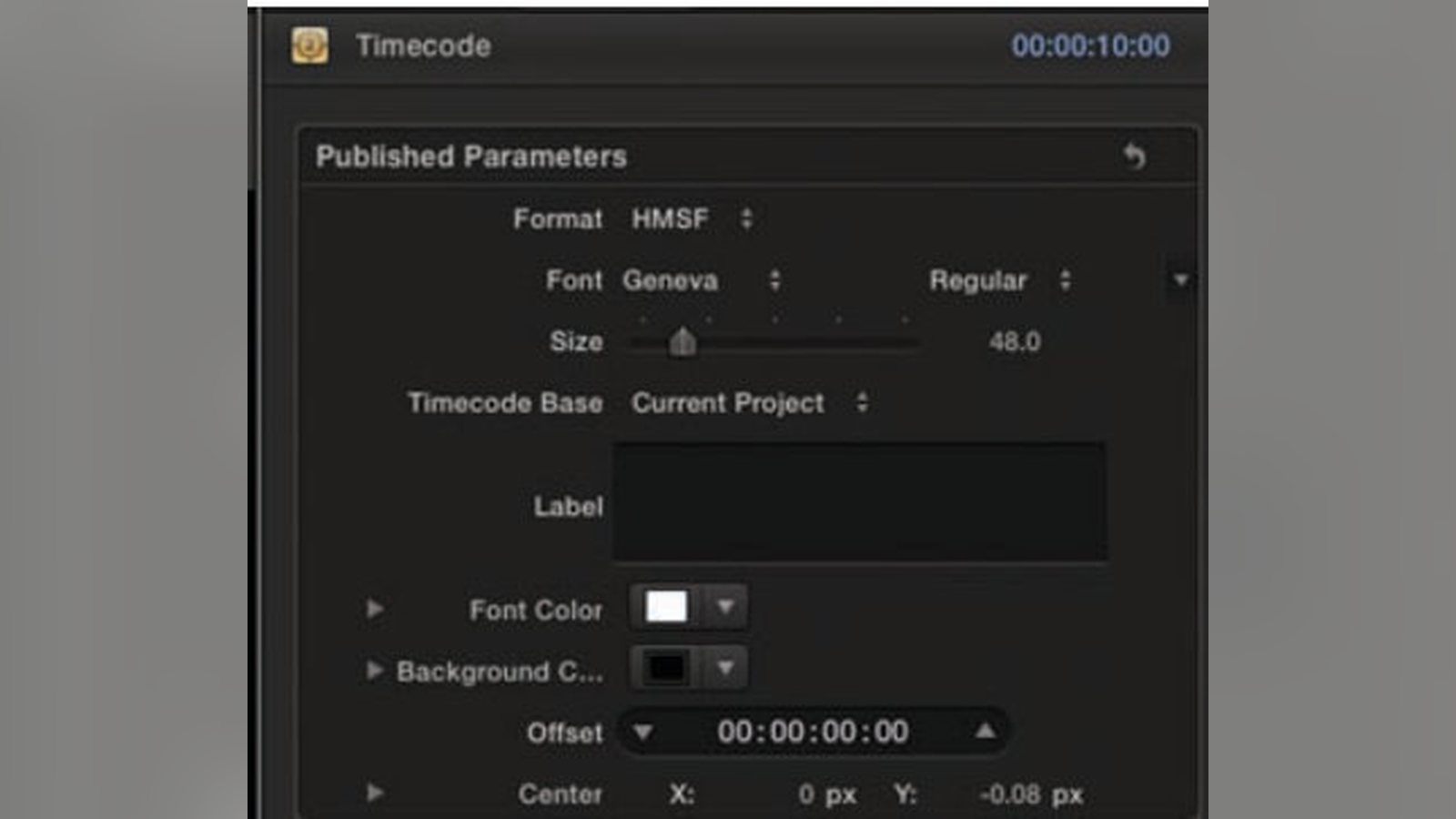
One last generator of note is the time code generator. So if you need to create a window dub, say for someone to do a transcript, you can just drop on the clip. Then go to the settings to get your settings to match what you are doing, start at the frame number you need to start at, and you got it.
So, now, go generate some joy.
Related filmmaking guides
- Top video editing software for students
- ADR: automated dialogue replacement explained
- The power of sound in film
Keep learning filmmaking
Want more lessons like this? Join StudentFilmmakers free for live webinars with working pros, and stream on-demand filmmaking classes in cinematography, directing, screenwriting, sound and post.