Calling for Backup – 5 Ways to Secure Backup Audio for a Film Project
Sometimes in tough situations it’s necessary to call for backup. We all experience instances where we could use a little extra help, and in the realm of filmmaking there’s no exception.
What if you only have one chance to get the take you need done right? Whether your shoot is scheduled for a specific date and time, or the people involved are only available/paying for this to be done once, in these types of scenarios there are no do-overs and that means every precaution must be taken to ensure that you can work with what you got. This could involve planning out the lighting, the angle of the shot, making sure you have plenty of batteries, memory cards – all really important factors to take into consideration in order to guarantee delivery of a great final product – but what some filmmakers often overlook in all their planning is the sound. If you don’t get the proper sound you need the first time, you could be stuck with a defunct project.
We all know by now that relying on a camera’s built-in microphone is less than ideal. At best, the audio from a camera’s built-in mic may be used as a reference point when syncing audio and video. But actually using it in the soundtrack of your film or video would be deemed unacceptable by many (especially a paying client) so it’s probably a good idea to avoid relying on it as your backup audio source.
Free for members
Sign up free to keep reading
It’s free and takes less than 30 seconds. You’ll also get our Interstellar issue free, and a community of filmmakers sharing their work.
With an over 60 years history in electronics manufacturing, Azden creates audio products for filmmakers and video creators. Their product line includes shotgun microphones, camera-top video microphones, wireless systems and portable mixers. For more information, please visit azden.com.
StudentFilmmakers.com is where creatives grow. Learn filmmaking, connect with industry pros, and access tools, contests, and inspiring educational resources.
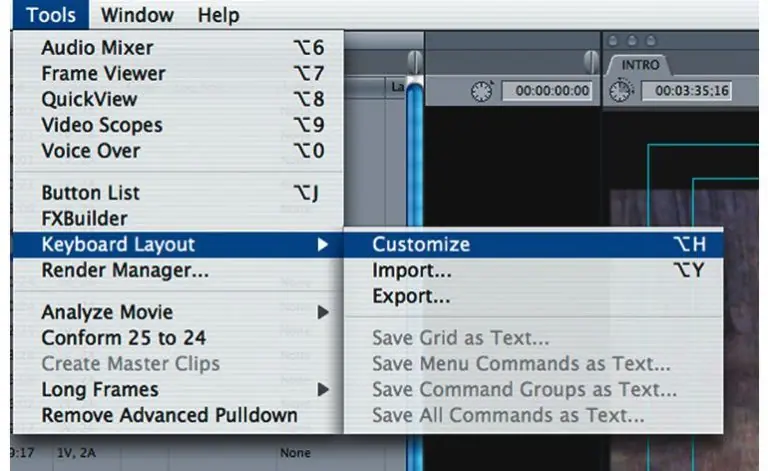
Final Cut Pro 4.5 HD makes editing easy with its mouse based GUI (Graphical User Interface), but professional editors know that making quick edits means using keyboard shortcuts as well. ...
Brian Price shares screenwriting insights in this exclusive interview Can you tell us a little bit about the evolution of screenwriting? Brian Price: I don’t ...
Discover exclusive access to free webinars, hands-on workshops, and cutting-edge insights into emerging technologies and workflows. Sign up with the form above to stay ahead in the fast-evolving world of filmmaking.