
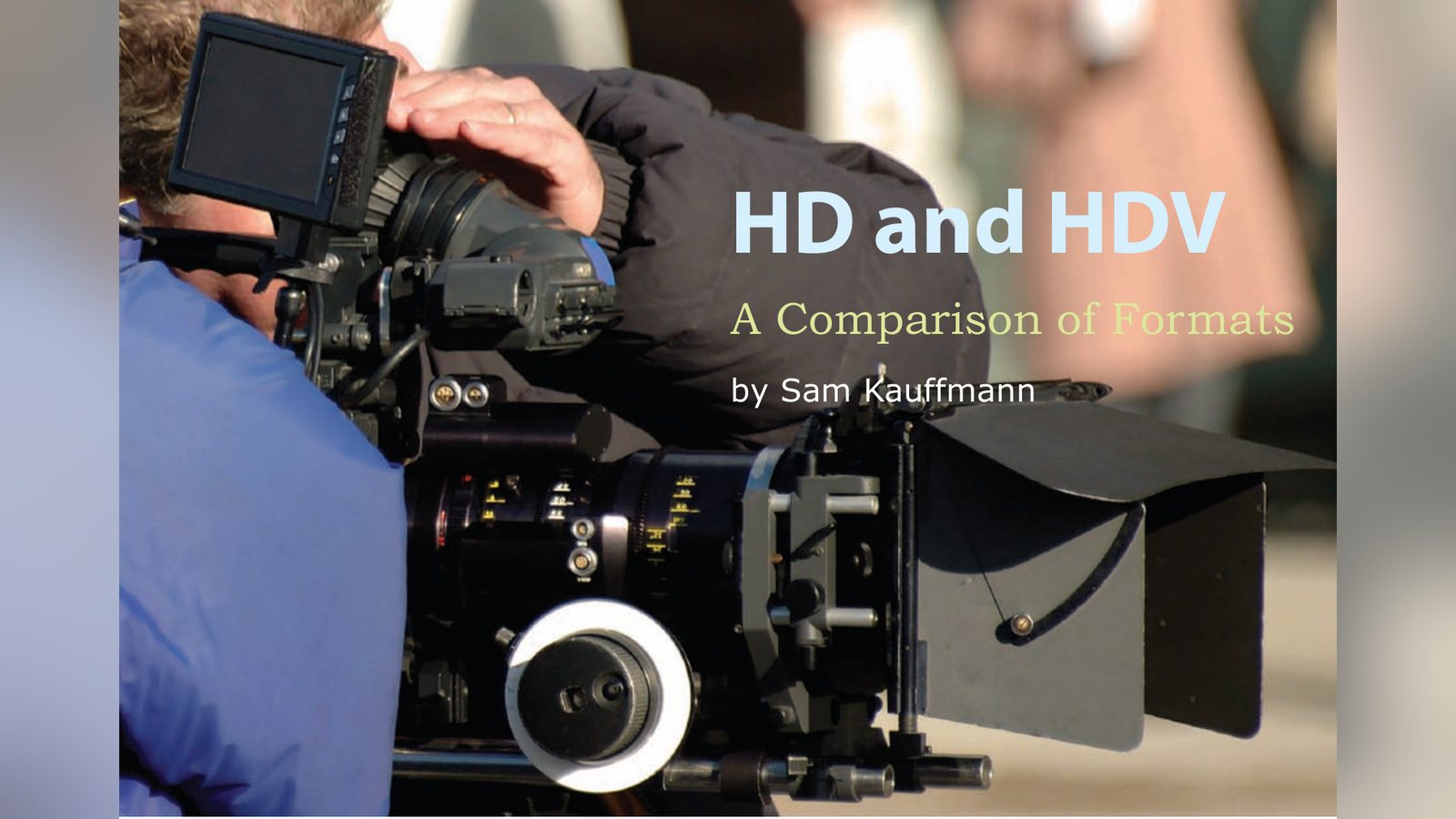
By Sam Kauffmann
Sam Kauffmann compares HD and HDV formats, compression, resolution and workflow, and explains what the differences mean for filmmakers choosing a camera.
I’m sure you’ve noticed how often various high tech gurus, self-appointed or real, have importantly declared: “This is the year of High Definition (HD).” And when nothing comes of it, they come back the next year, stating with even more conviction, “No, this really is the year!” While waiting patiently for their prognostications to come true, we have gone about our business of creating powerful, effective, and useful videos in standard definition (SD).
If you’re like me, you’ve probably hesitated to dip your toes into the murky HD waters for several reasons: the equipment seems prohibitively expensive, the data rates are enormous, and there exists a dizzying array of competing standards. But the main reason is this: you haven’t been able to figure out what to do with an HD tape if you had one.
It’s hard to find film festivals that want them, and you don’t know of any movie theater, museum, or public screening facility that will play them. So, if no one wants the darn things, why shoot HD?
You’re right, but you’re wrong. I’m going to have to finally agree with the techies. The year of HD has finally arrived; it’s time to grapple with the whole HD mess. What made me change my mind? Three things: first, HD isn’t just 16:9 video with a lot more detail. HD now offers many different looks – it’s got a film look, a video look, and something in between. Second, your digital editing software can now edit several HD flavors over FireWire. And third, it’s a lot easier to convert HD to SD. But I’m getting ahead of myself.
It’s the Quality
People have been shooting television shows and commercials on 16mm and 35mm film for many years, even though none of us have film projectors in our homes. The Sopranos, Lost, 24 Hours— you name the prime time drama and it’s been shot on film. Though it starts out as film, most people watch the shows on standard definition television. So why do TV producers go to all the trouble and expense of shooting on film? Because of the quality of the image. The look of film carries over no matter what format it ends up on. The same argument applies to HD. Shoot HD and finish in HD, or convert the signal to standard definition for a better looking SDTV image.
Unfortunately, HD has always been too expensive on the shooting end, and too expensive and complicated on the editing end to convince us to take the plunge. But now, Avid’s software on a Mac or a PC, or Final Cut on a Mac can handle HD without forcing us to buy expensive RAID drives or fancy break-out boxes. We can now shoot HD, capture over FireWire, edit HD, and output to HD, or output to standard definition NTSC tapes.
With the post-production end finally within reach and affordable, we can start looking at the various HD and HDV flavors.
HD Flavors
High Definition used to mean a 16:9 aspect ratio with a lot more detail in the image. But now, HD has evolved to the point where producers can choose from a number of HD flavors, depending on the look they want.
In the beginning there were just two players in the HD world: Sony and Panasonic. And they came at the problem with two different approaches. Panasonic developed an HD system called 720p and Sony developed 1080i. ABC and Fox chose Panasonic’s approach, while NBC and CBS picked Sony’s.
There are now many HD flavors within these two approaches. Most HD systems use a progressive scan; while one uses an interlaced scan. And there are many frame rates to choose from, depending on the look you’re after. If you want your dramatic project to have a “film look,” you choose a progressive HD format with a frame rate of 23.976. If you want your sports programming to look like video, you choose an interlaced HD format running at 29.97. If you want your reality TV show to look in between, you choose a progressive HD format running at 29.97. The choice is yours.
In the HD world, things are described a bit differently than in the standard definition world. First, HD formats are described by how many horizontal lines they contain. Thus we have systems with 720 horizontal lines or 1080 horizontal lines. HD formats are also described by the way in which those horizontal lines are scanned, whether progressive or interlaced. A lower-case “p” or “i” is added to the number of lines, as in 720p or 1080i, for identification purposes. Finally, the frame-per-second rate is often used to help differentiate between similar HD formats.
Let’s begin our examination of HD by reviewing what we know about standard definition, but using HD terminology. We’ll use DV (mini-DV and DVCAM) for purposes of comparison.
DV
Aspect ratio: 4:3.
Interlaced scanning.
Pixel aspect ratio is 720×480 Frames per second rate: 29.97 210,000 pixels per frame
Using HD nomenclature, our DV format would be called 480i/29.97, meaning there are 480 visible horizontal lines, with interlace scanning, running at 29.97 frames per second.
Now, let’s look at the same variables in the HD world.
720p
Aspect ratio: 16:9.
Progressive scanning.
Pixel aspect ratio is 1280×720 Frames per second rates: 23.976, 24, 29.97, 30, and 60 921,600 pixels per frame
This is Panasonic’s format, and the one JVC adopted. Because 720p is a progressive format, it looks very pleasing to the eye and has a filmic look to it. Because its data stream is smaller than the other flavors of HD, this is the choice for many independent filmmakers. Avid and Final Cut software systems can capture and output this format through a FireWire connection.
1080i
Aspect ratio: 16:9.
Interlaced scanning.
Pixel aspect ratio is 1920×1080 Frames per second rates: 29.97 frames (59.94i) and 30 (60i) 1,555,200 pixels per frame
This is Sony’s baby—and a big one it is. This is the format producers choose when they want HD to look like video—or reality TV. Network sports want an interlaced HD look, and they achieve it with 1080i. It produces a huge data stream, seven times greater than DV—well beyond the capacity of a FireWire based system, like Xpress Pro HD. You need a high-end Avid like the Media Composer Adrenaline HD to capture 1080i.
For several years, these were the two choices, but Sony recently developed a third choice, used to compete more directly with motion picture film.
1080p
Aspect ratio: 16:9.
Progressive scanning Pixel aspect ratio is 1920×1080 Frames per second rates: 23.976, 24, 25p, 29.97, 30, 59.94i, 60i 2,073,600 pixels per frame
This is the latest HD flavor and the largest. Again, Sony is its parent. This HD has 2,073,600 pixels per frame, about ten times more pixels than a standard definition frame. Storage needs are immense. This is the HD flavor that comes closest to 35mm film in terms of look and picture quality. Every year more and more features and prime time television dramas are shot on this HD format because it offers progressive scanning, like film, and offers film’s 24 frames-per-second rate.
HDV
This is an HD-light format that generated a lot of buzz when it first came out in 2003 with JVC’s GY-HD10. It’s a sort of fudged high definition format that uses MPEG-2 encoding, just like DVD’s encoding. Now Sony, Canon, and JVC all have excellent HDV cameras under $8,000. These are real HD signals that get crammed, by way of a great deal of compression, onto a mini-DV tape. The JVC version is a 720p camera, while Canon and Sony are 1080i HDV cameras. (Panasonic takes a different approach. Instead of selling an HDV camera, it sells an HD camera in this price range— but with fewer pixels than true HD). What makes HDV difficult to capture and edit is the complicated encoding system.
For comparison, let’s look at any standard DV camera. The camera compresses the signal using a 5:1 compression ratio as it records it to DV tape. When we capture the DV tape into our computers, our editing software deals with what it’s given—already compressed frames. But in HDV, some of the frames contain all the picture information—we’ll call them the “Big Frames”—while others carry only the information that has changed from the previous Big Frame (this explanation is somewhat simplified and uses my own terminology).
The first frame is a Big Frame, but the next thirteen frames are “shells.” They hold only what has changed. The next frame—the 15th frame in the group—is also a Big Frame, and is related to the previous thirteen “shells.” Fifteen frames make a Group of Pictures (GOP) that relate to each other. The sixteenth frame is part of the next group and starts the process over again.
If the subject you are shooting is static, the 13 in-between frames don’t have much new information and so are fairly empty. But if the shot is a quick pan, or a subject with lots of motion, those in-between frames get really taxed.
Not all HDV cameras use a 15 frame GOP—some use a 6 frame GOP, but you get the idea. Sometimes the images don’t look great if there’s a lot of motion. This Group of Picture system is tough on desktop and laptop editing machines because when you hit play, the editing software has to fill in the shells with all that material. You need the fastest processors with as much RAM as you can get. Although the world of HD is a bit more complicated than standard definition, because of the many choices, it’s not rocket science. As HD and HDV formats gain wider acceptance, more and more people will choose to shoot their projects on them. In a few years we’ll forget we ever shot in standard definition, and what seems complicated now will soon become standard operating procedure.
Sam Kauffmann is the author of Avid Editing: A Guide for Beginning and Intermediate Users from Focal Press. He’s also the head of the film production program at Boston University.
Keep learning filmmaking
Want more lessons like this? Join StudentFilmmakers free for live webinars with working pros, and stream on-demand filmmaking classes in cinematography, directing, screenwriting, sound and post.