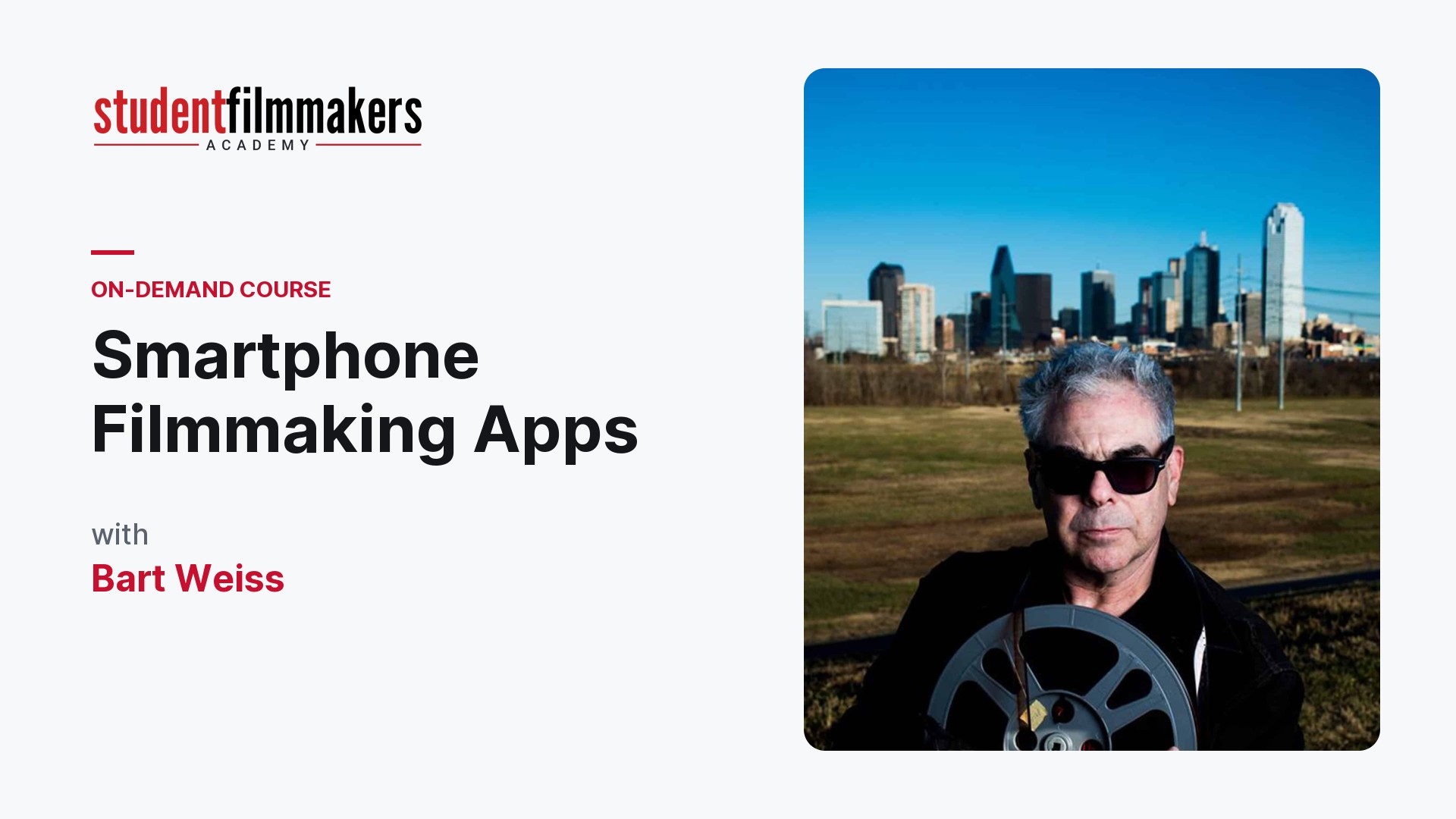
Bart Weiss, founder and director of the Dallas VideoFest and author of Smartphone Cinema, spent this class inside the phone camera apps he actually uses, starting with the free Blackmagic Camera app. His main advice: lock your settings, monitor your sound, and keep the look flexible for post instead of baking it in on set.
Weiss is a documentary filmmaker, editor and longtime film teacher, most recently at UT Arlington. He set the gadgets aside for this session and went through the apps screen by screen, sharing which features he relies on and which ones he switches off.
What settings should you use in the Blackmagic Camera app?
His starting point is a classic film setup: 24 frames per second and a shutter of 1/48. He locks both with the lock button at the top of the screen, then checks again before rolling, because he has seen locked values drift.
The iris control made him laugh.
“This is kind of a joke because … all mobile phones have only one iris, so you can’t change your f-stop.”
So exposure on a phone comes from ISO, or from the plus and minus exposure button. He prefers ISO. For white balance he picks a preset or dials in a color temperature, then locks it so it can’t wander mid-shot. He almost never touches tint.
| Setting | Weiss’s choice |
|---|---|
| Frame rate | 24 fps, changed only for a reason |
| Shutter | 1/48, set by speed rather than angle |
| Exposure | ISO, with zebras set at about 80 percent |
| White balance | Preset or color temperature, then locked |
| Codec | H.265; ProRes 422 if you have the drive space |
| Frame guides | Usually 16:9 or off; guides never crop the image |
| Save clips to | An external drive, not the photo library |
That last setting matters more than it looks. Video files are big, and parking them in the photo library fills a phone fast. He plugs in a one-terabyte Lexar drive through a small hub, which also solves the problem of a single USB-C port: the drive, a microphone and power can all connect at once.
Which viewfinder tools are worth turning on?
Weiss stressed that zebras, focus peaking, grids, aspect-ratio guides and false color change only what you see, never what you record. He likes zebras. He thought he would love focus peaking and found it “kind of annoying.” He ignores the histogram, which he sees as a still photographer’s tool, and admits he uses false color less than he should. A viewer asked whether the 1.85 or 4:3 guides crop the sensor. They don’t; they are framing aids only.
How do you get good sound from a phone?
Keep the meters mostly in the green, just touching yellow, and never in the red.
“With digital, it is always, always better to under modulate than over modulate. If you over modulate it, you can’t bring it back because it’s digital.”
If you add a wireless mic, select it as the audio source, and when you unplug it, make sure the app has gone back to the internal mic. In earlier versions it didn’t always, and the result was silent clips.
The tip he had discovered just the day before: wear Apple earbuds and you can monitor audio while recording in the Blackmagic app. He finds it changes interviews. “When I’m listening to the sound right in my ear, I am more emotionally connected to that person.”
Should you bake in a LUT or a color look?
Shooting log with a LUT gives you more dynamic range, and he thinks it makes images look much better. The key choice is the “record LUT to clip” switch. Turn it on and the look is baked into the file. Turn it off and you apply the LUT later in your editor. The same question came up with the one-tap color looks that make some apps so popular:
“I would rather have less processing on the front end and being able to more subtly control that on the other end in post.”
Stabilization is a similar trade. In-camera stabilization crops in slightly, so you lose a little at the top and bottom. He thinks the phone often does it better than post, but post gives you more control. Decide which matters more for the shot.
His warning for anyone new to log: test before the real project. Shoot something, bring it into your editor, compare a baked LUT with one applied in post, and only then commit.
What else does the Blackmagic app do that others don’t?
- Digital slate. Scene, take, reel, good-take flags, production and crew names all travel as metadata into DaVinci Resolve.
- Blackmagic Cloud. With an account, the editor and the camera operator can chat, and clips can be sent straight into the editor’s Resolve timeline.
- HDMI out. Choose whether a director’s monitor shows the clean picture or the full interface.
- Vertical options. Hold the phone upright and still record a horizontal frame, or the reverse.
- Camera Control button. On an iPhone 16 Pro Max the side button can start recording and adjust exposure and focus, which he likes for its tactile feel.
How do the other filmmaking apps compare?
Weiss toured several more and was frank about each one.
- Kino. Loved for its built-in color looks; he likes its manual focus slider but would rather grade in post.
- Final Cut Camera. More control than Apple’s camera app, less than Blackmagic. It can link several iPhones for a live multicam shoot.
- Filmic Pro. Excellent rack-focus and exposure sliders. Many users left when it became a subscription, but he still has “a great fondness for it.”
- ProCam. A waveform monitor and vectorscope for close control of levels and color. Paid.
- Film-look apps. Apps that copy Super 16 or Super 8 stocks, like Kodak 50D or Ektachrome, can help match old footage in a scene.
- Cartoon filters. Fun with friends, but he would add effects in post.
What should you do after the class?
Download the Blackmagic Camera app, which is free on iOS and Android, and shoot something the same day. To move clips, unplug your external drive or use AirDrop on a Mac, which he has not seen lose quality. Then review right away:
“It’s very important to try something, shoot it and evaluate it right away. Don’t wait until two days later.”
If you are just starting out, Smartphone Filmmaking: 3 Fun Projects for First-Time Creators gives you something to shoot, and iPhone Cinematography goes further into the look. You can also read more from Weiss in this Q&A interview.